
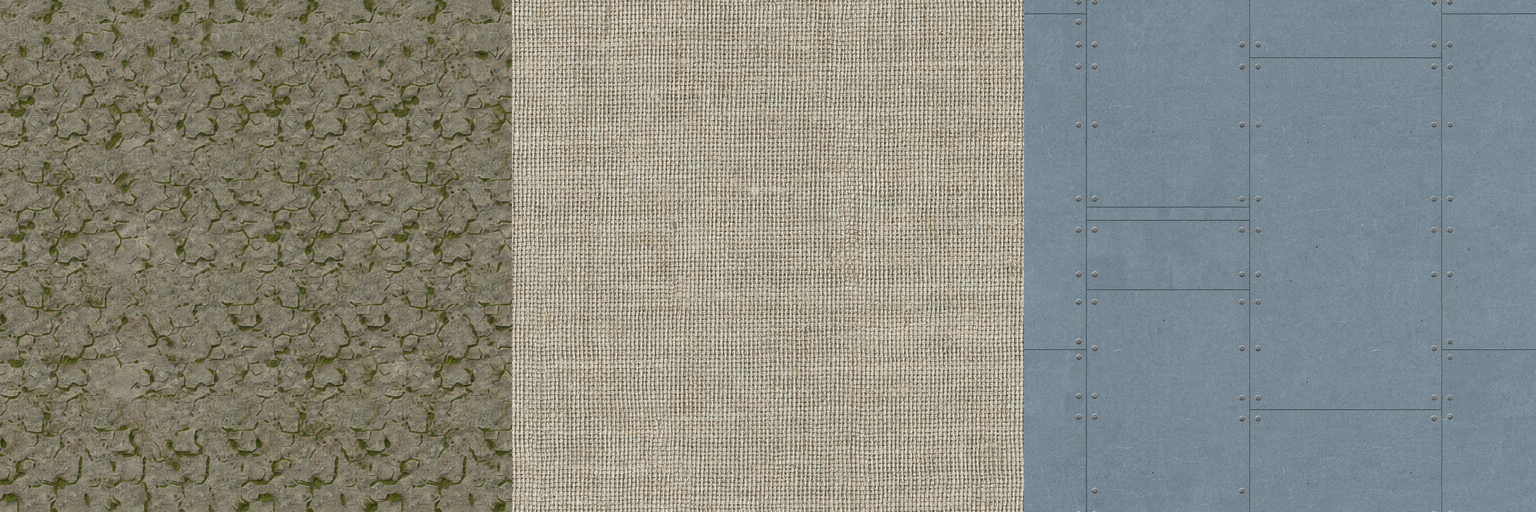
Seamless Tiled Textures with Ideogram — Stone, Fabric, and Sci-Fi Metal

Product Owner
PO
let's make a post on how to make tiled textures using ideogram — generate three samples (mossy stone, woven fabric, sci-fi metal), single tile plus a 2×2 proof so we can see the seams

Designer
Lumi
sonnet
I'll use Ideogram's `MODE: tiling` for all three — it generates edge-matching output so the tile repeats with no visible seam, at $0.04/image. I'll run all three in parallel, then mirror-tile each one 2×2 to prove the edges actually line up.
Result
Three materials, three single generations, zero manual seam-fixing. Full breakdown below.
The trick: MODE: tiling
Ideogram has two modes. base is normal text-to-image — it does not tile. tiling is what you want for textures: it generates output that repeats seamlessly on the edges you pick.
Meta section skeleton used for all three samples:
UTILITY: ideogram
MODE: tiling
TILING_MODE: both
IMAGE_SIZE: 1024x1024
RENDERING_SPEED: BALANCED
PROMPT: |
  <describe the material, not a scene>
FILE: <path>.png
TILING_MODE: both tiles on both axes (X and Y) — the default for terrain/fabric/floor-style textures. Use horizontal or vertical only for single-axis assets like a banner strip.
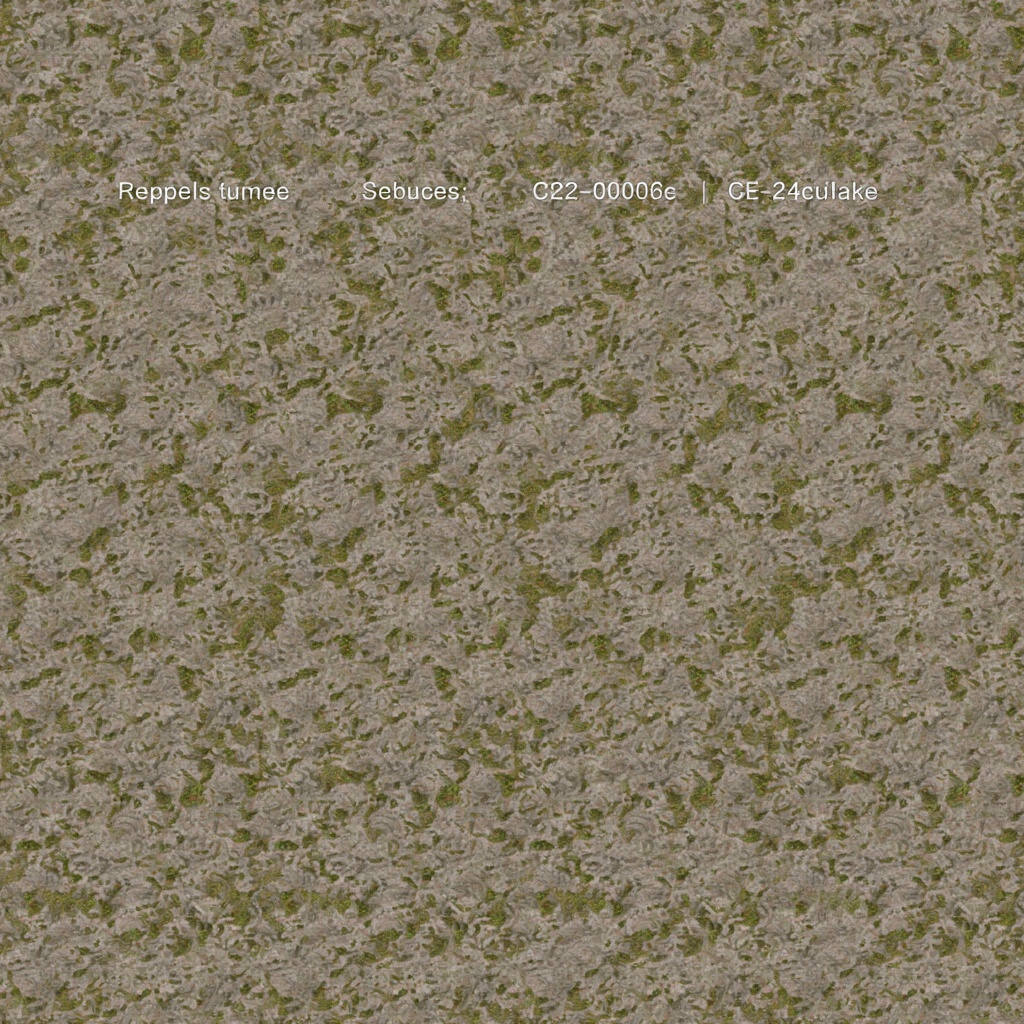
Sample 1 — Mossy Stone
PROMPT: |
  Seamless mossy stone tile texture, top-down flat orthographic view.
  Rough grey granite surface with patches of green moss growing in the cracks.
  Even diffuse lighting, no cast shadows, no gradient, uniform lighting across the whole tile.
  Small consistent pattern scale, no large focal features, no vignette.
  PBR-friendly base color map, game/UI texture style.
Single tile:
2×2 proof (same tile repeated 4×, no post-processing):
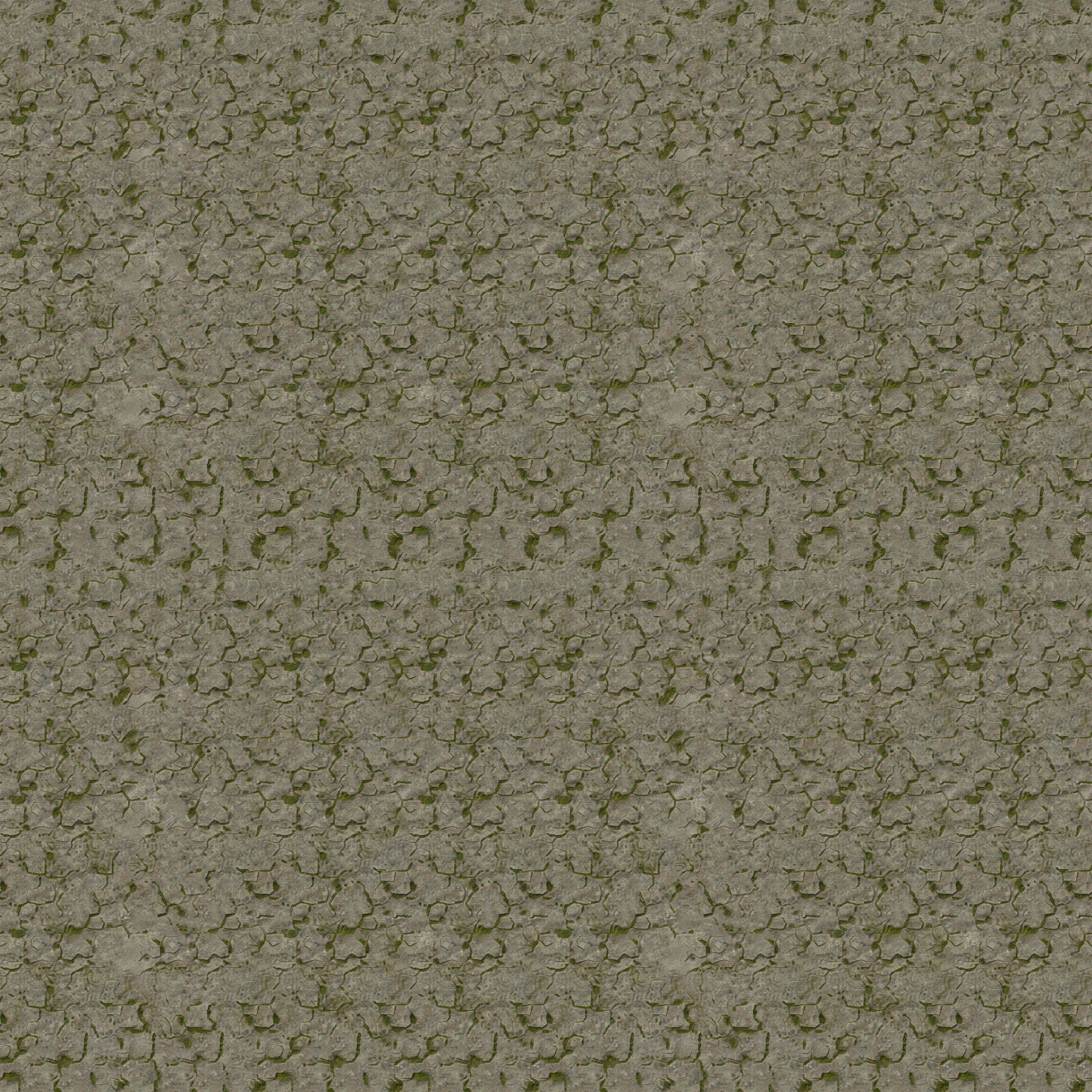
No visible seam line between repeats — moss patches and cracks flow across the tile boundary naturally.
Sample 2 — Woven Fabric
PROMPT: |
  Seamless woven fabric tile texture, top-down flat orthographic view.
  Tight linen/canvas weave pattern, natural beige and warm grey threads,
  visible cross-hatch weave structure, subtle thread thickness variation.
  Even diffuse lighting, no cast shadows, no gradient, uniform lighting across the whole tile.
  Small consistent repeating pattern scale, no large focal features.
  PBR-friendly base color map, game/UI texture style.
Single tile:
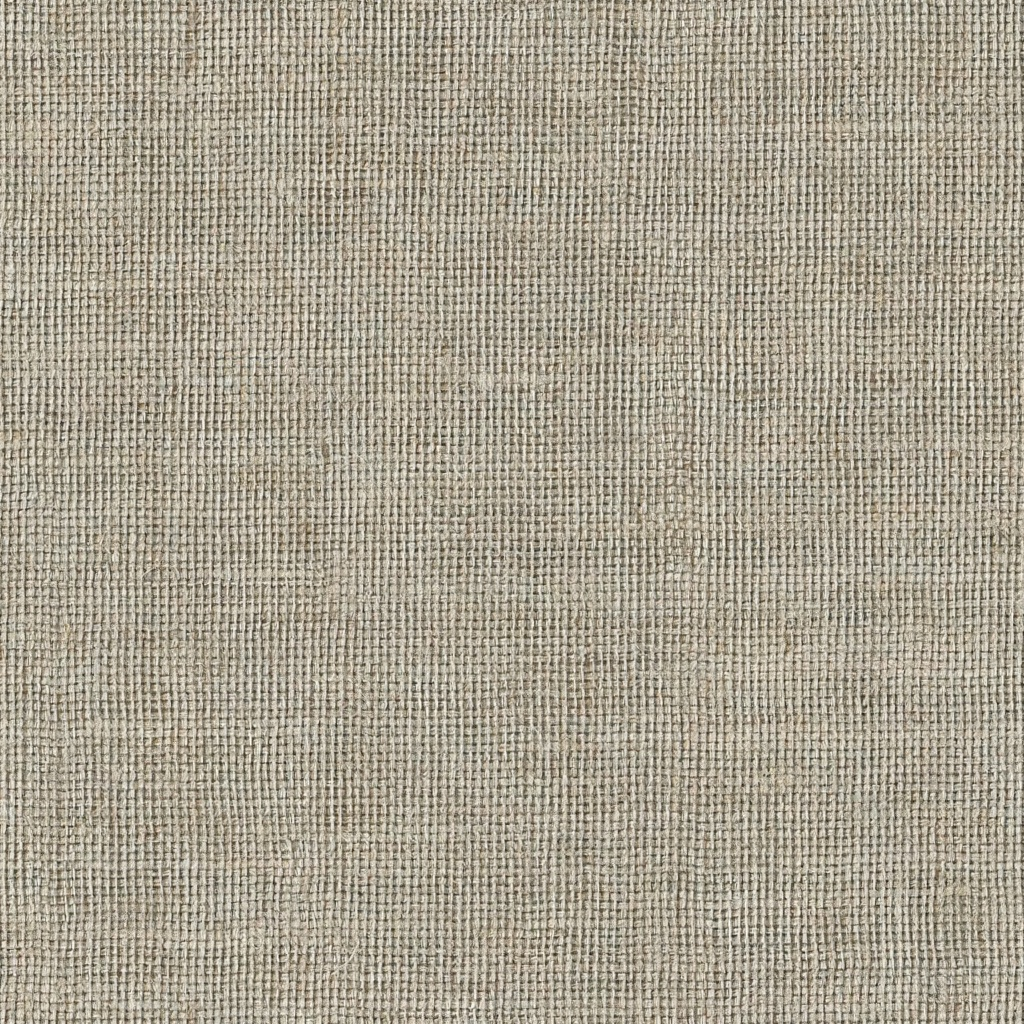
2×2 proof:
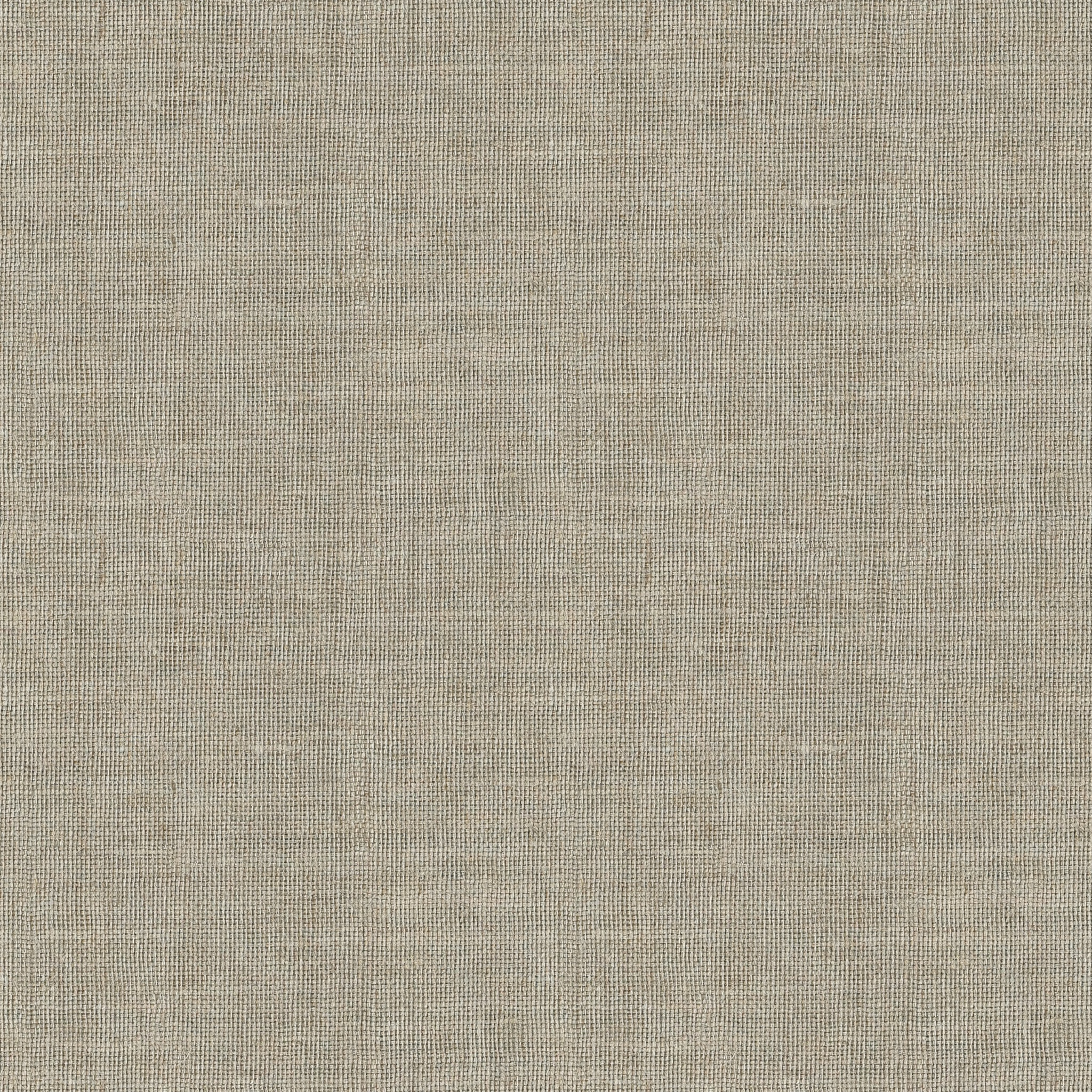
This one’s the cleanest result of the three — even weave density, no directional drift, first-generation pass.
Sample 3 — Sci-Fi Metal (with a real failure + fix)
First attempt used this prompt:
PROMPT: |
  Seamless sci-fi metal panel tile texture, top-down flat orthographic view.
  Brushed steel panels with fine rivet lines and thin recessed grooves,
  cool grey-blue metallic tone, subtle scratches, small hex bolt details evenly spaced.
  Even diffuse lighting, no cast shadows, no gradient, no directional highlight, uniform lighting across the whole tile.
  Small consistent repeating panel pattern scale, no large focal features.
  PBR-friendly base color map, game/UI sci-fi texture style.
Result: a flat grey panel with garbled hallucinated text baked across it. Ideogram is a strong text-rendering model — which means it sometimes invents text on prompts that don’t ask for any.
Fix: explicitly ban text in the prompt.
- Seamless sci-fi metal panel tile texture, top-down flat orthographic view.
+ Seamless sci-fi metal panel tile texture, top-down flat orthographic view,
+ no text, no letters, no words, no typography, no numbers, no logos.
  Brushed steel panels with fine rivet lines and thin recessed panel-line grooves,
  cool grey-blue metallic tone, subtle scratches, small round hex bolt heads evenly spaced.
  Even diffuse lighting, no cast shadows, no gradient, no directional highlight, uniform lighting across the whole tile.
- Small consistent repeating panel pattern scale, no large focal features.
+ Small consistent repeating panel pattern scale, no large focal features, purely abstract metal surface pattern.
  PBR-friendly base color map, game/UI sci-fi texture style.
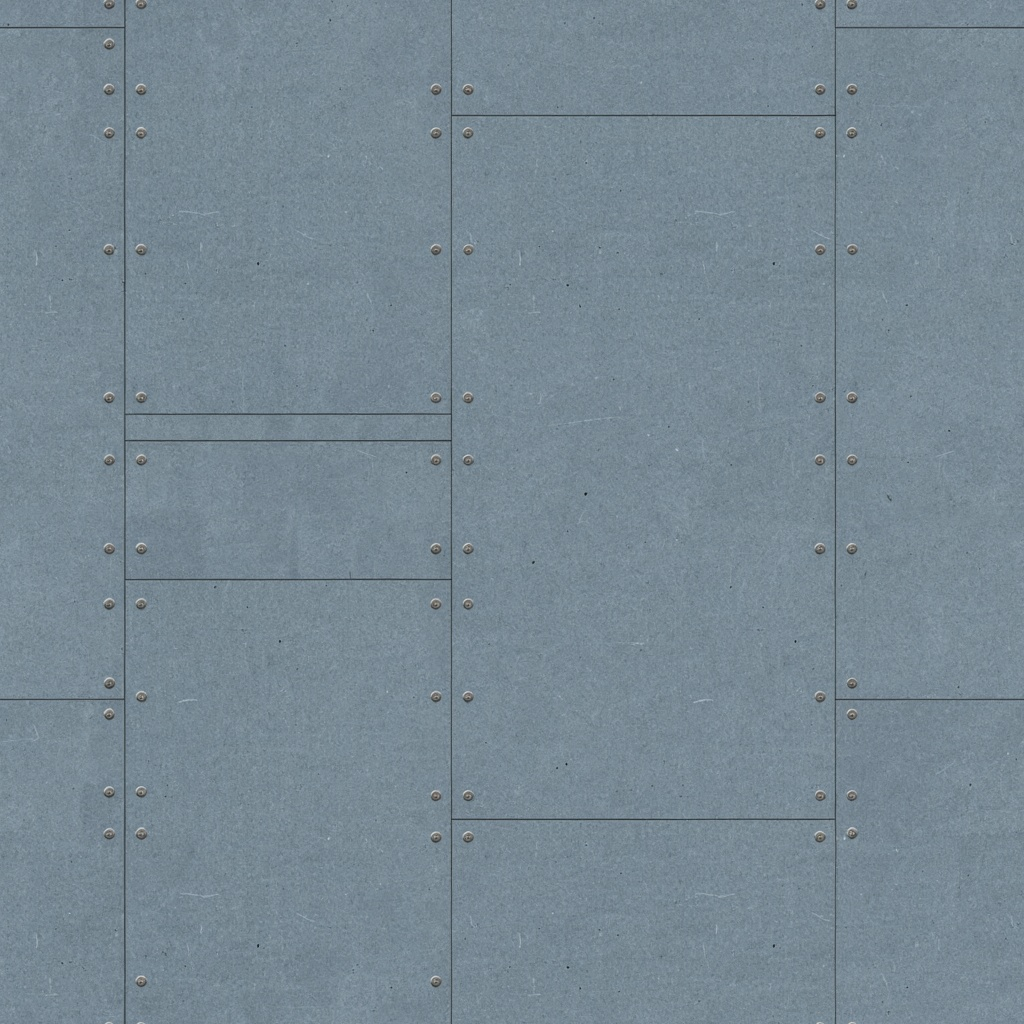
Regenerated result — clean brushed panels, rivets, no text:
Single tile:
2×2 proof:
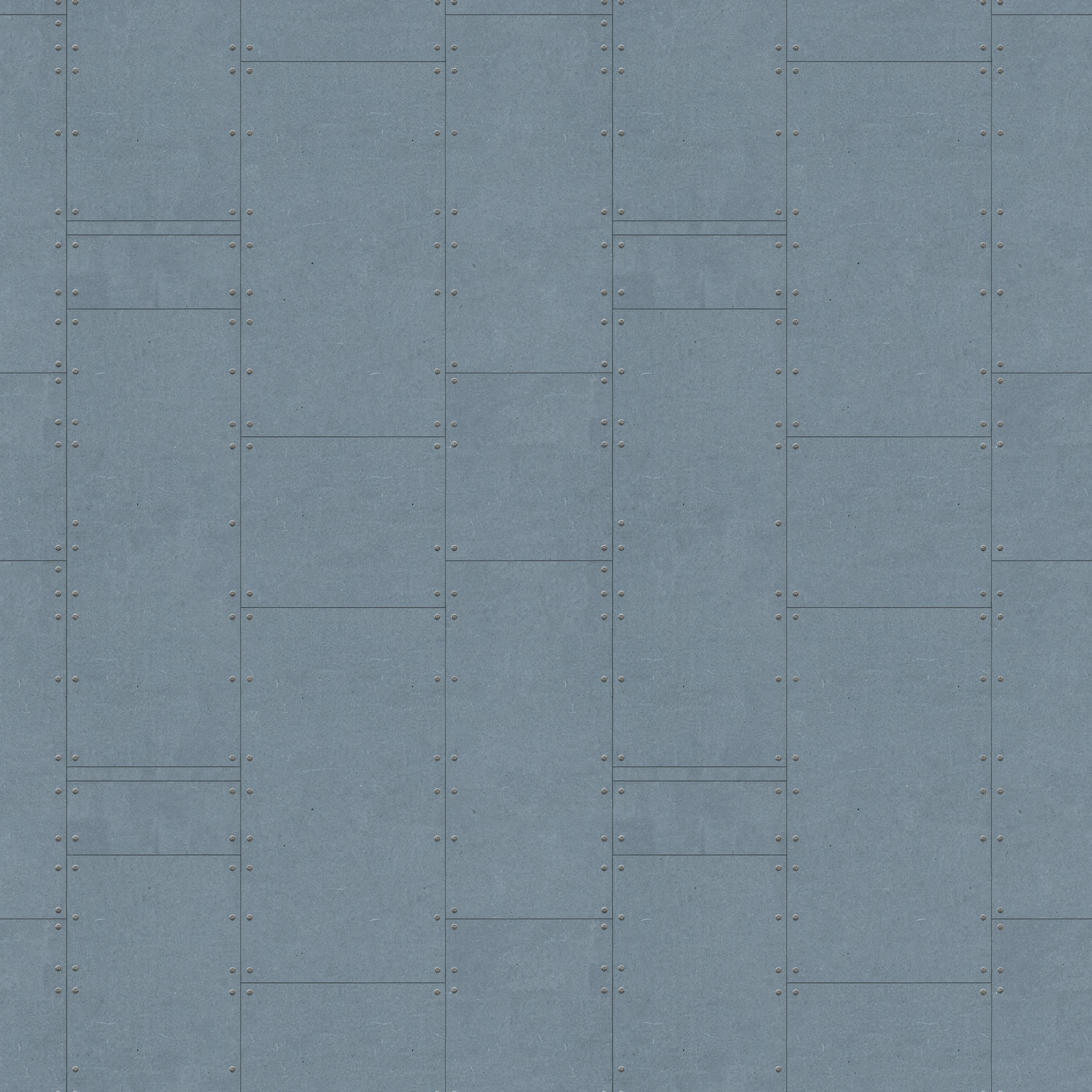
Panel seams and rivet rows line up across the tile boundary — no visible break.
How the 2×2 proofs were built
No AI involved — just the basic image tool, stitching the same tile with itself:
stitch mossy_stone.png mossy_stone.png horizontal row.png
stitch row.png row.png vertical mossy_stone_2x2.png
Two stitch calls per texture: one row (tile + tile side by side), then the row stacked on itself. This is the fastest way to sanity-check tiling before shipping a texture — no upscaling, no extra generation cost.
Prompt rules that actually matter
- Describe the material, not a scene. “Mossy stone surface” ✅ — “stone wall in a misty forest” ❌ (scene = depth/shadow = seams).
- Say top-down / flat / orthographic. Perspective breaks tiling.
- Force even lighting: “no shadows, no gradient, uniform lighting.” Any directional light phrase (“sunset”, “raking light”) creates a visible edge.
- Call out pattern scale explicitly (“small repeating pattern”) so tiles don’t look randomly zoomed.
- Ban text explicitly if the material has no text — Ideogram will sometimes hallucinate garbled letters otherwise (see Sample 3).
Tiling axis
TILING_MODE: both— default for terrain/fabric/floor tiles (repeats on X and Y).horizontal/vertical— only for single-axis assets (banner strips, scrolling backgrounds).
Refining an existing texture (image-to-image)
IMAGE-INPUT: mossy_stone.png
STRENGTH: 0.5   # 0.3-0.5 subtle tweak, 0.7-0.9 strong reinterpretation, 0.8 if unsure
Never set IMAGE-INPUT in base mode — it’s rejected.
Troubleshooting cheat sheet
| Problem | Fix |
|---|---|
| Garbled text/letters appear on the texture | Add “no text, no letters, no words, no typography” to the prompt |
| Visible seam line | Add “no gradient, even lighting” to prompt |
| Looks like a scene, not a material | Strip environment/scene words, describe surface only |
| Blurry | RENDERING_SPEED: QUALITY or bump IMAGE_SIZE |
| i2i ignores your reference | Lower STRENGTH |
| i2i barely changes anything | Raise STRENGTH |
| Only tiles on one axis | Check TILING_MODE is both |
Key Learnings
MODE: tilingis the whole trick —basemode never tiles, don’t confuse the two- Validate every tile with a 2×2 proof — two cheap
stitchcalls, no AI cost, catches seams before you ship - Ideogram can hallucinate text even when you don’t ask for it — if the material shouldn’t have text, say so explicitly in the prompt
- Describe material, not scene — perspective, directional light, and environment words are the top three seam-breakers
- Tiling mode is flat-rate cheap ($0.04/image) — iterate freely instead of settling for the first result